How to Connect Your Bitcoin Wallet to Strainly
In this article, we explain how to simply connect your AQUA wallet to your Strainly account and receive payments straight into AQUA.

Strainly is Bitcoin-only and will always be. No shitcoinery, no Central Bank Digital Currency, no high-fees payment processors, no credit-card chargebacks, no PayPal disputes... True to our values, we have integrated a long awaited payment method inside the platform, thus simplifying transaction settlement, instantly, privately and with no intermediary. In this article, we explain what a non-custodial wallet is and how to simply create your own within your Strainly account.
Remember, 1 BTC = 100 million sats, just like 1 USD = 100 cents.
Connecting your AQUA wallet to Strainly
All members who sell on Strainly should complete these simple steps. Buyers can use wallets such as the ones presented in our previous article.
- Download AQUA wallet if you haven't already done so.
- ON A DIFFERENT DEVICE (e.g your computer or another phone) THAN THE ONE ON WHICH YOU HAVE AQUA WALLET INSTALLED, open Strainly and go to Settings and then Payments (if on mobile, tap "Profile info" to see the drop down menu and select "Payments")
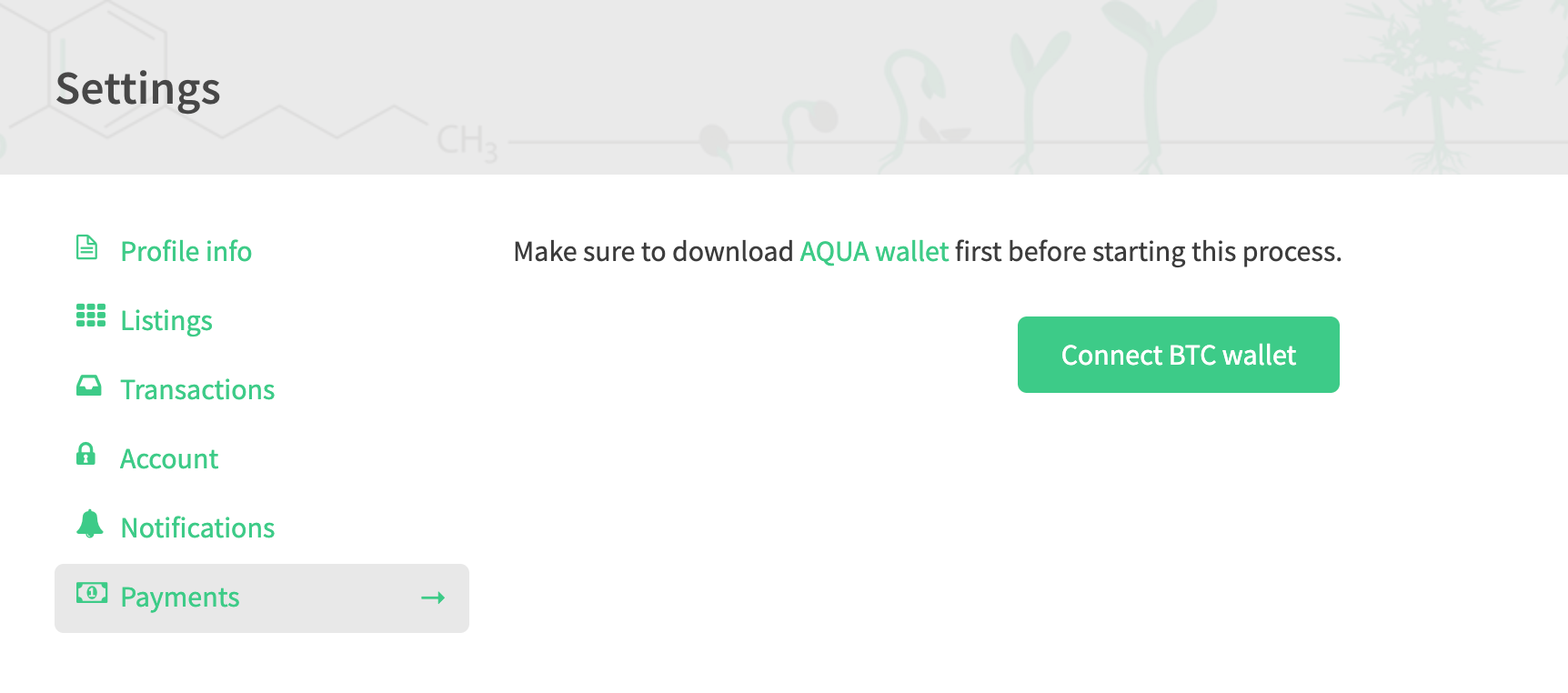
3. Tap/click the "Connect BTC wallet" button. Pull your phone on which you installed AQUA wallet, OPEN AQUA WALLET AND HIT THE "SCAN" BUTTON (next to the "Receive" and "Send" buttons).
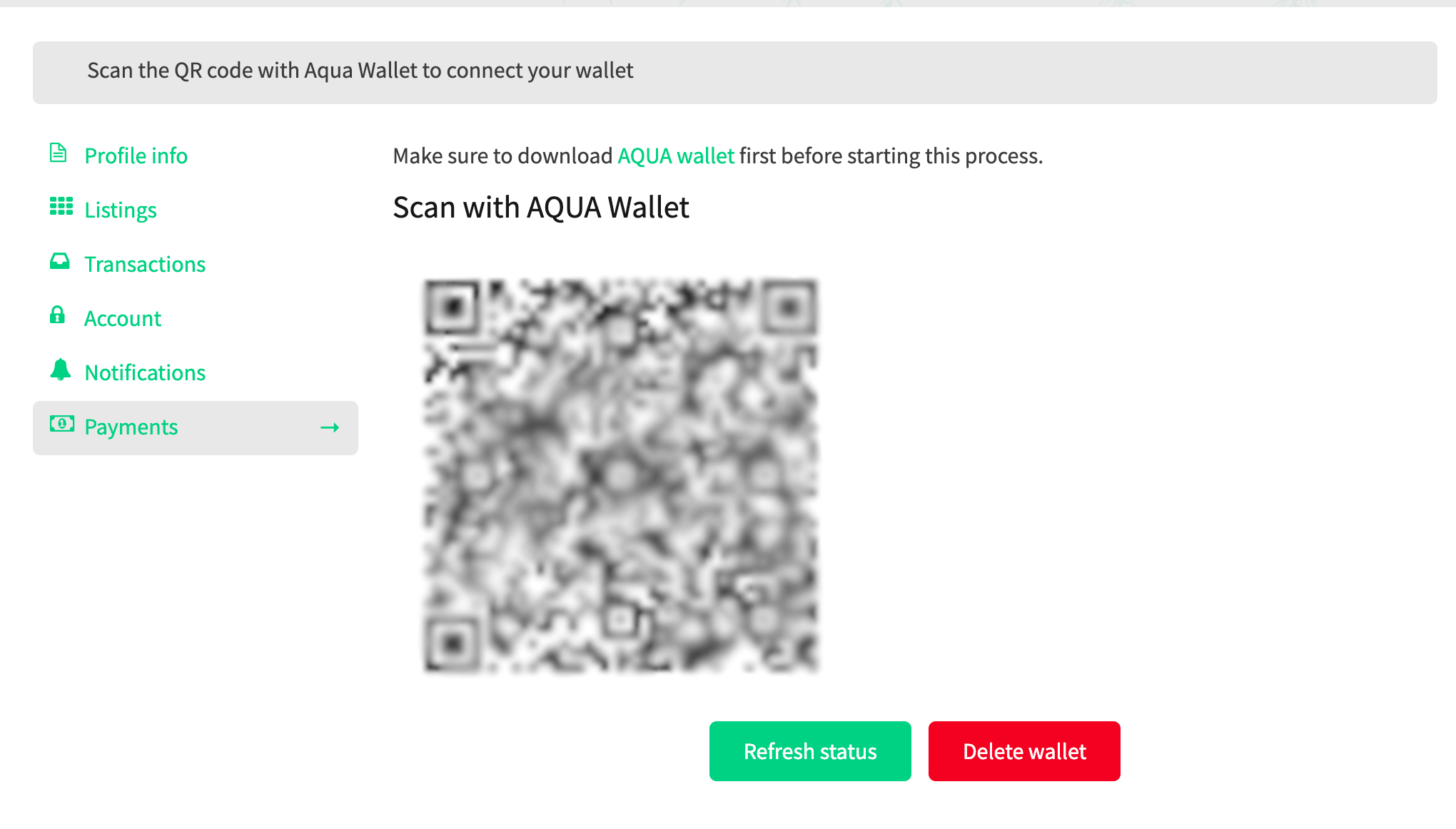
- AQUA will detect the connection request, called "SamRock Setup". Hit "Confirm".
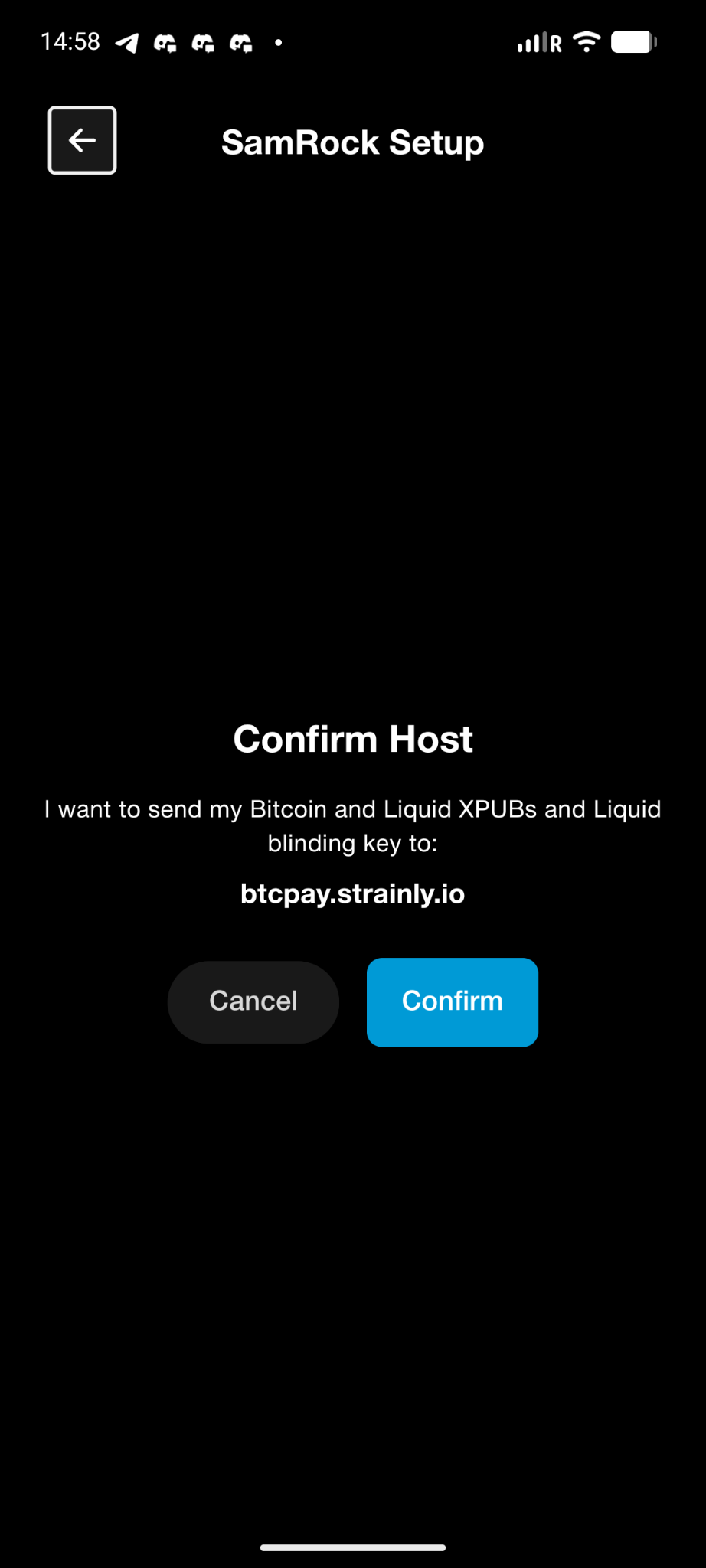
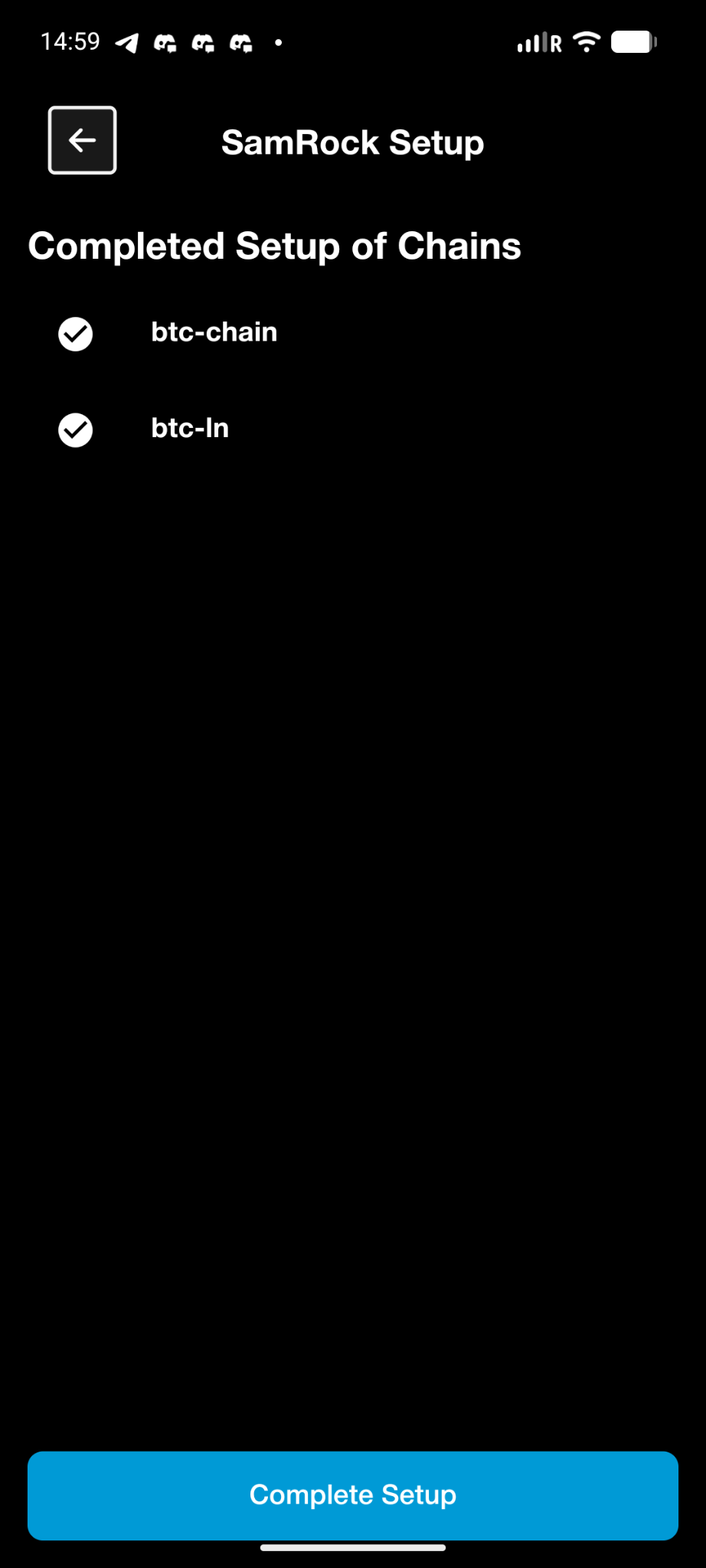
- You will be prompted to either create a new wallet or connect to the existing AQUA wallet. It is really up to your preference! If you create a new wallet (default option), it will create a "SamRock Wallet". Leave "btc-chain" and "btc-ln" options checked. Then hit the "Complete Setup" button.
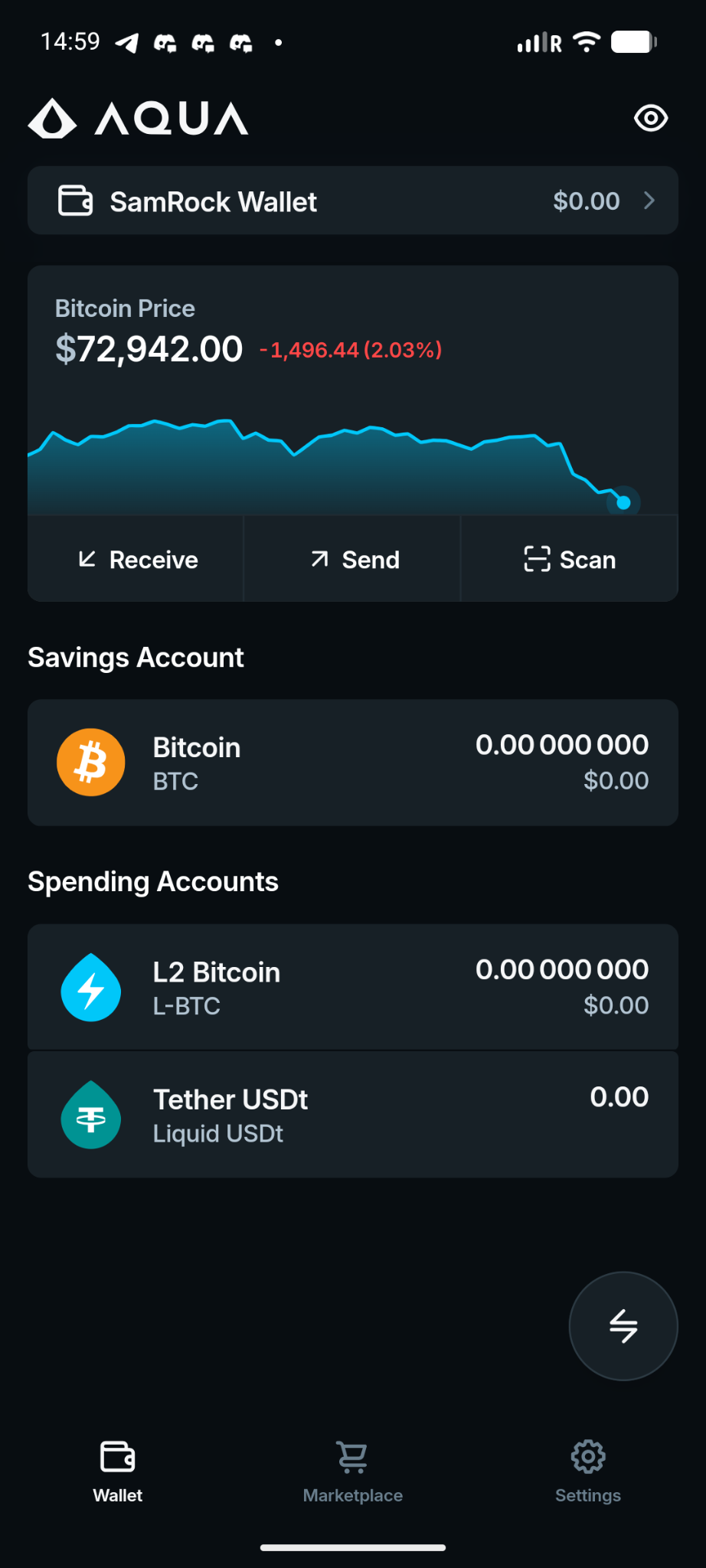
- You can now see the "SamRock Wallet" at the top of your AQUA app. This is the wallet where your Strainly payments will land. Hit that to switch from the default wallet to the SamRock Wallet.
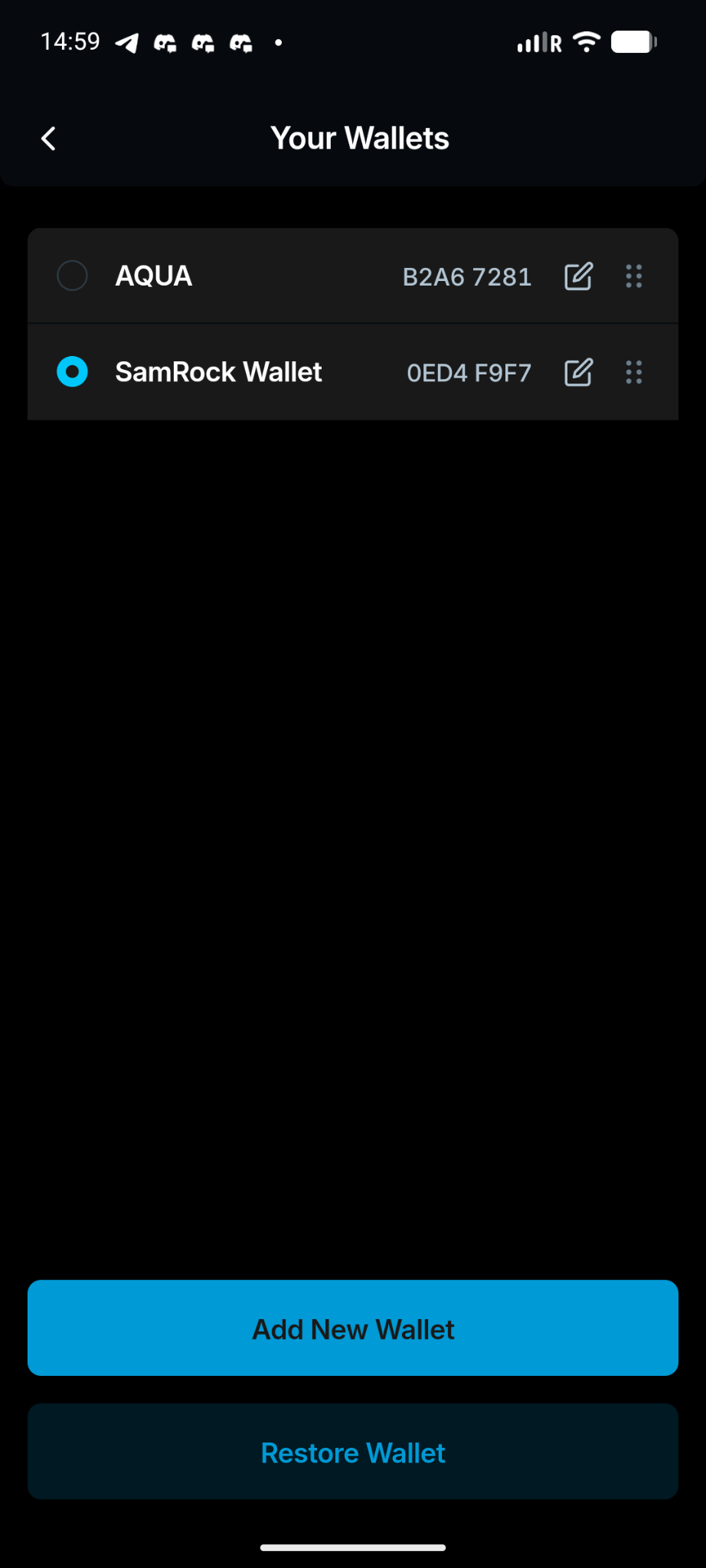
- You can navigate from a wallet to another. We recommend that you rename the "SamRock Wallet" to something more intuitive like "Strainly Wallet" by hitting the "Edit" icon on the right.
- On Strainly, hit the "Refresh Status" and you will see that your AQUA wallet is connected.
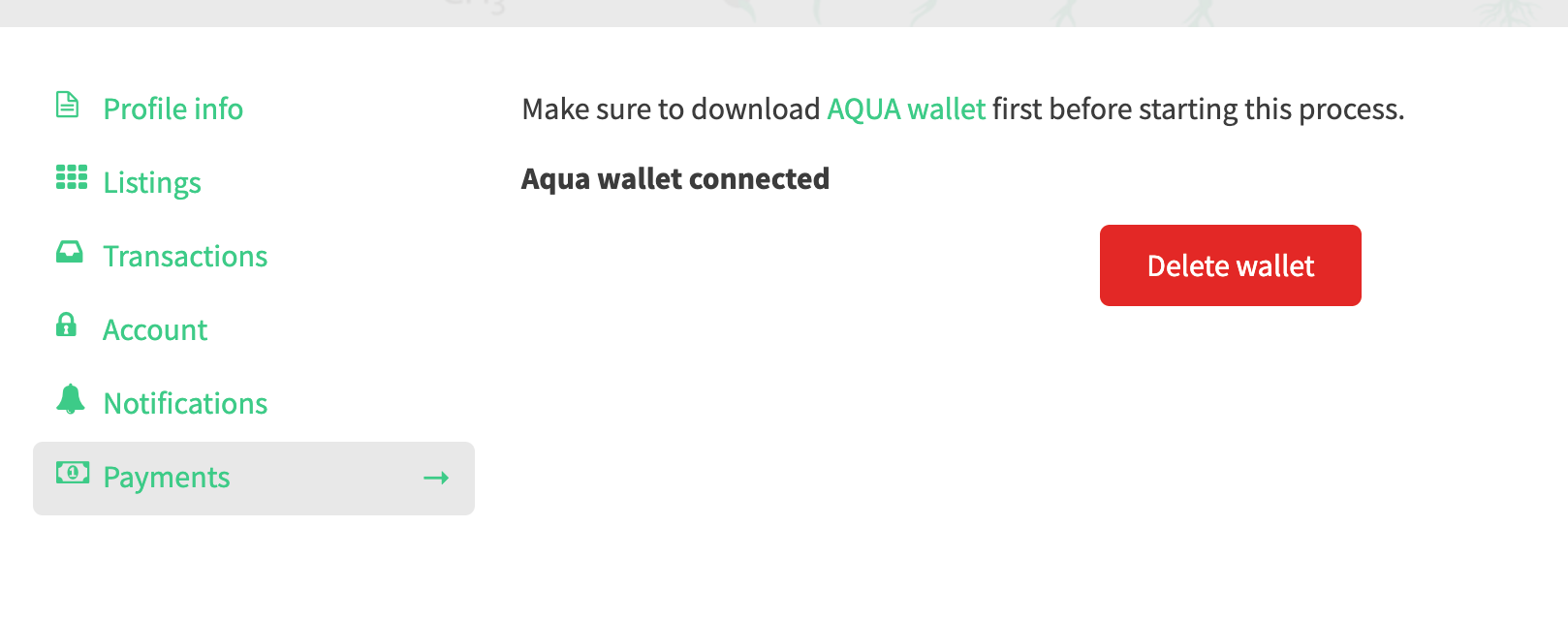
Congratulations! You can now access receive Bitcoin payments straight to your own AQUA wallet. The proceeds from your sales can be directly used to pay for our fees, from your AQUA wallet... or do whatever you want.