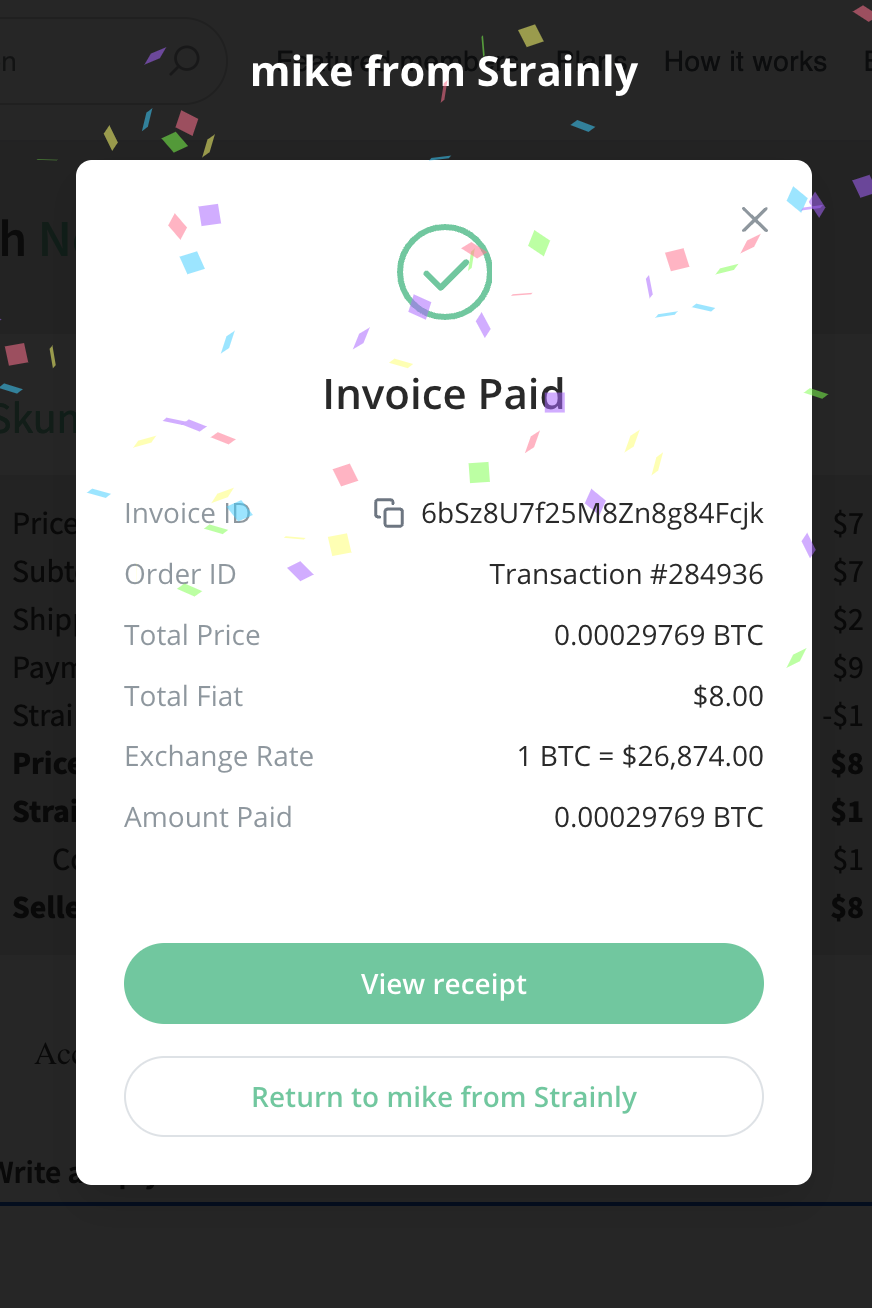
How do You Get the Most Out of Strainly?
This article gives you tips to get the most out of Strainly, just like any app you download from app stores.
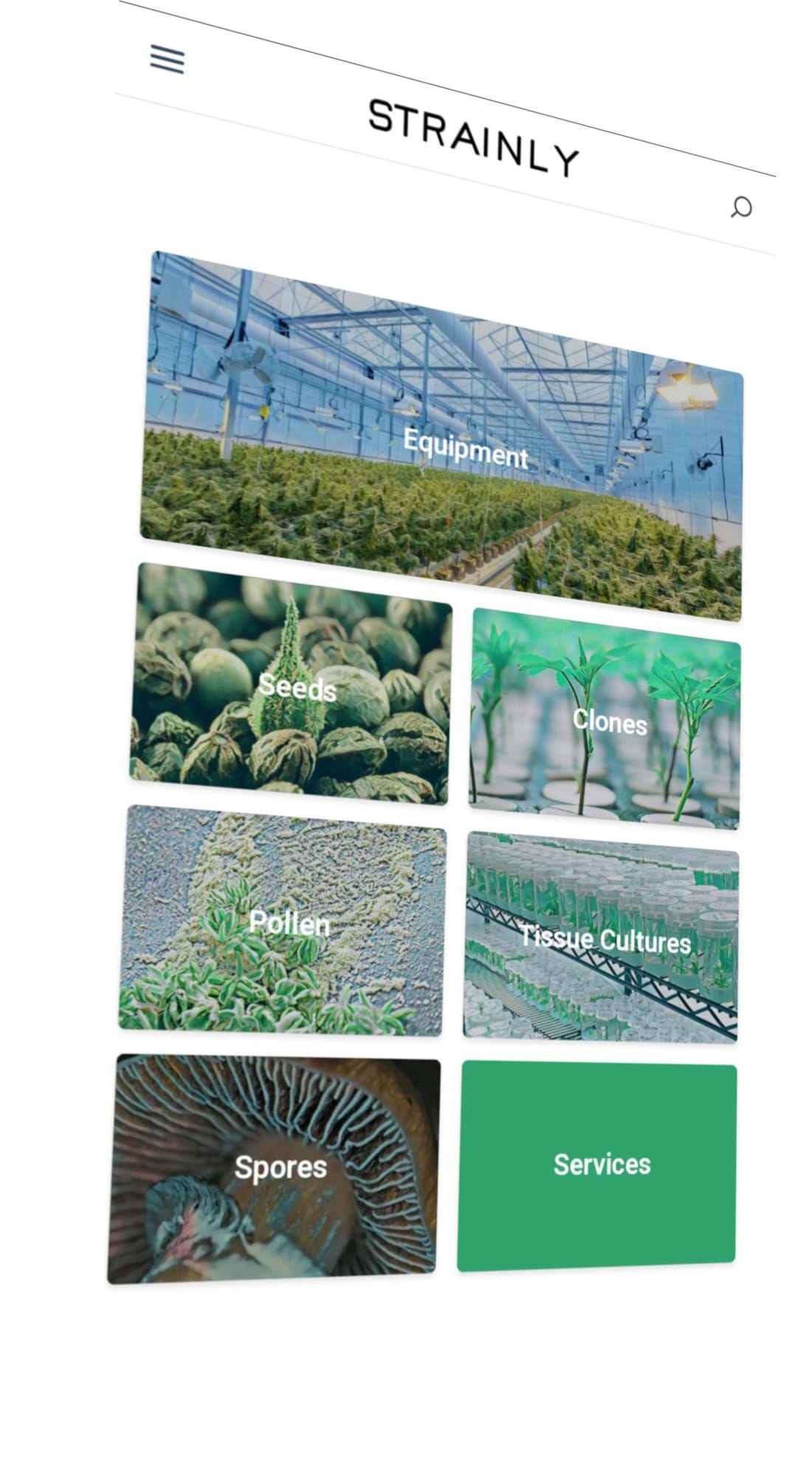
We built Strainly as a Progressive Web App (PWA) from the get go. A PWA is an app that works in your web browser. Building a PWA allows to give a great experience on Apple and Android devices. It's also immune to de-platforming/censorship by app stores... Finally, it does not take any space on your device, which allows people with old devices featuring limited storage and outdate operating systems to use Strainly anyway. This article gives you tips to get the most out of Strainly, just like any app you download from app stores.
Below are a 3 tips to get the full Strainly app experience from your mobile web browser:
- Allow your web browser to remember your log in info, so that you don't have to log in every time you go on Strainly.
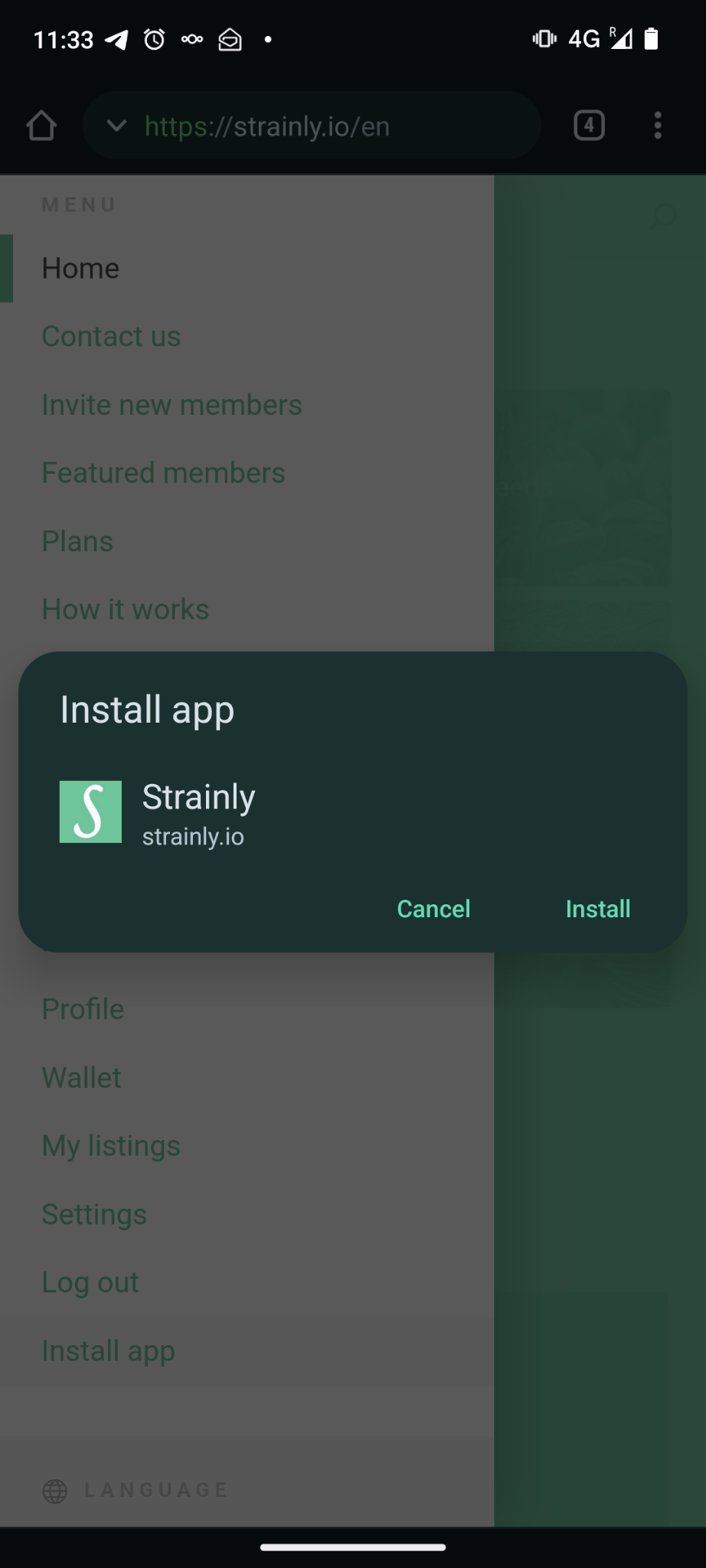
- Install Strainly on your device following the below steps
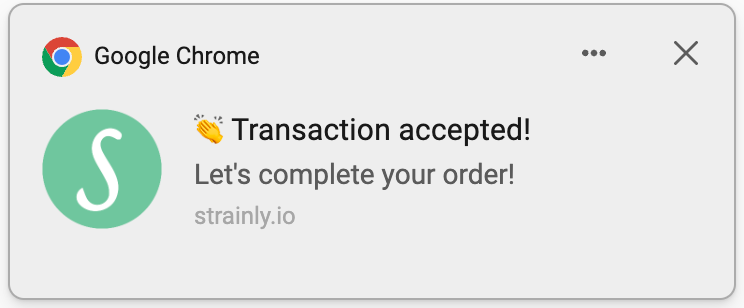
Most importantly, make sure to accept our notifications, so that you never miss any new message

And receive app notifications like this...
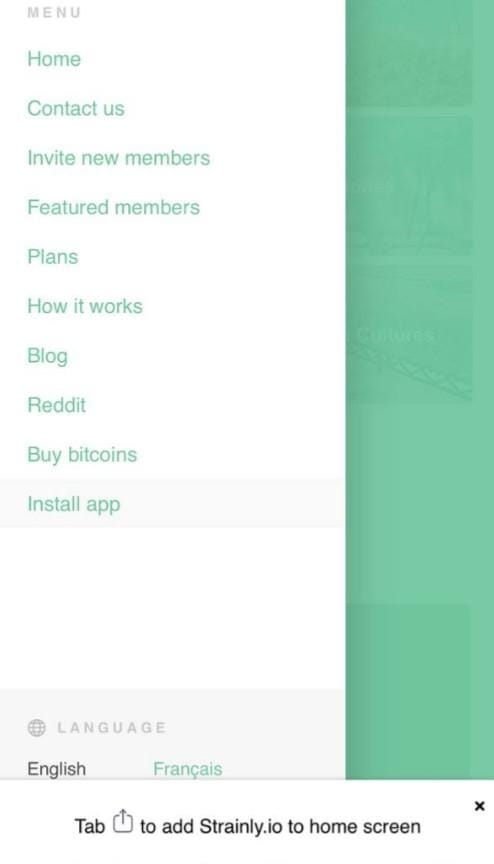
On iOS:
Tap "Install app" in the menu and follow the instructions
On Android:
Then tap "Install"
Finally tap "Add to home screen"
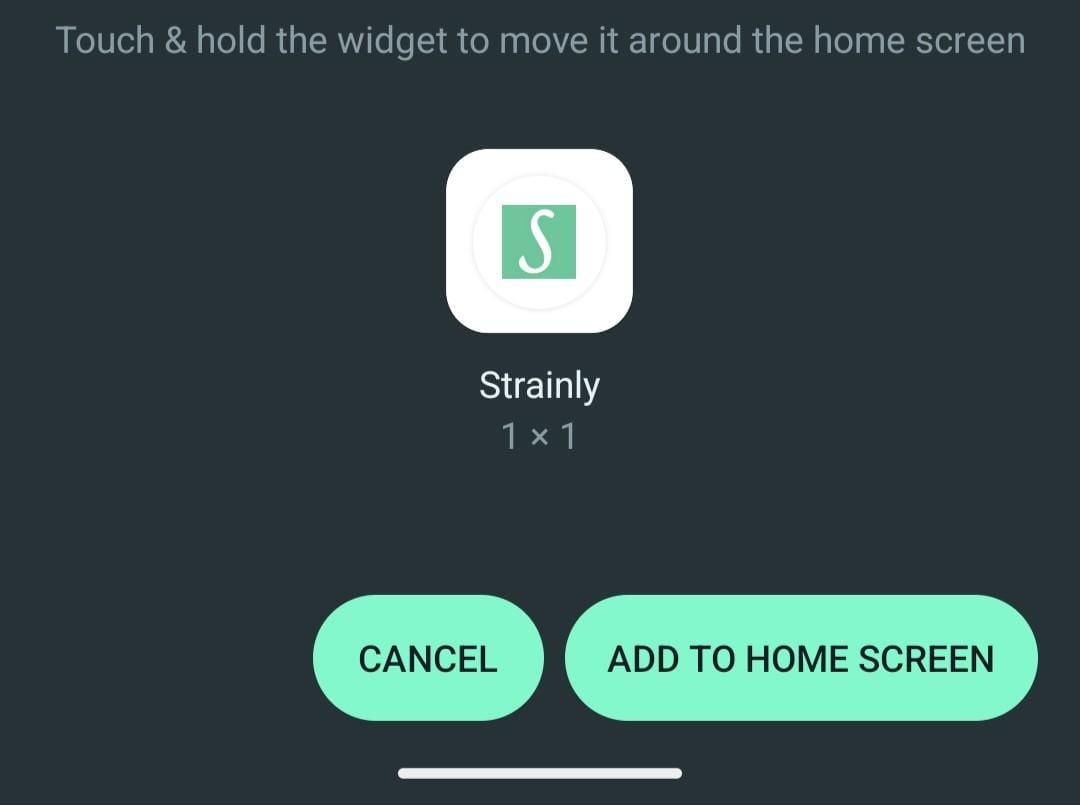
And here you go... you can now access Strainly in one tap, with notifications, just like a native app!